Build Throttlematic Touch
One board with a 7″ screen and a USB-C power supply. No soldering.
Buy the board
Waveshare ESP32-S3-Touch-LCD-7: 800×480 screen, capacitive touch, Wi-Fi. Powered with 5 V over USB-C, about 450 mA. Shops are on the parts list.
The board comes without an enclosure. A printed one will appear in the shop.
Install the software
A browser installer is in preparation: plug the board in over USB and install with one button. For one locomotive the software is free.
Connect to the network and the command station
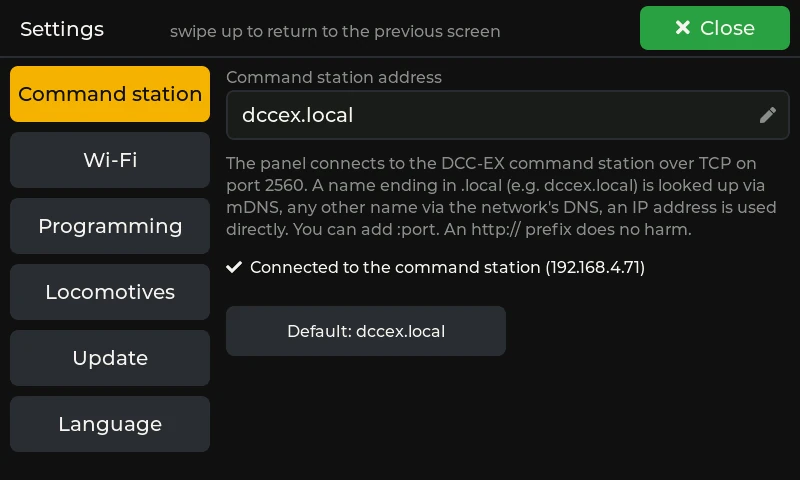
Swipe down from the top edge to open Settings. Choose your Wi-Fi network and enter the password. The panel finds the command station by itself under the name
dccex.local.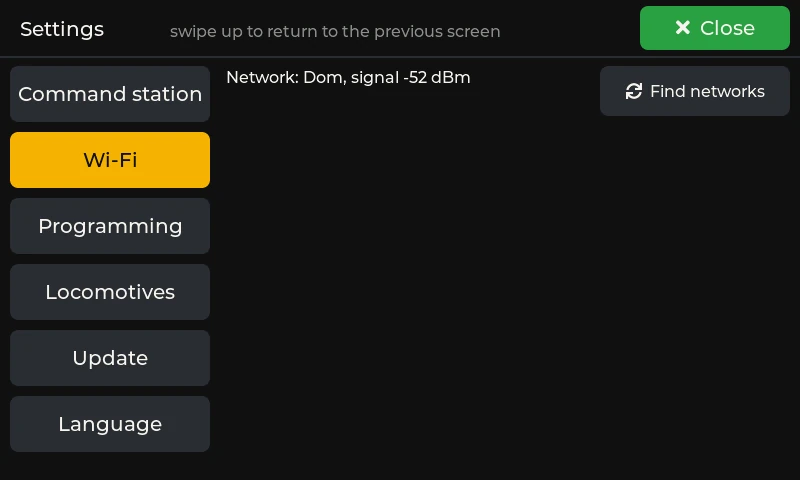
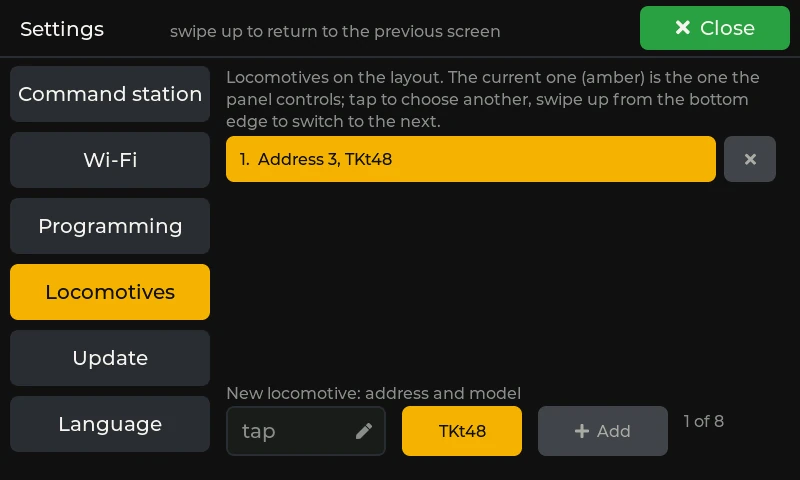
Add locomotives
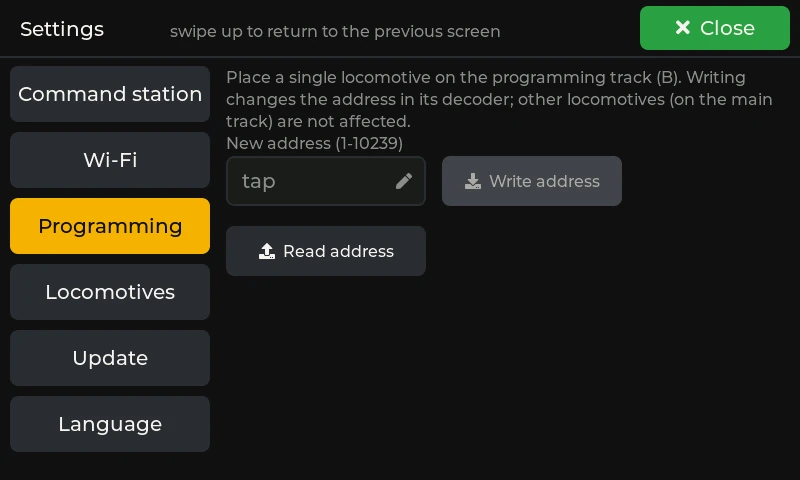
Enter the locomotive’s address. You can read and change the address stored in the decoder on the programming track.
Drive
Left for decoder functions, right for programs, up from the bottom edge for the next locomotive. STOP is on every screen.
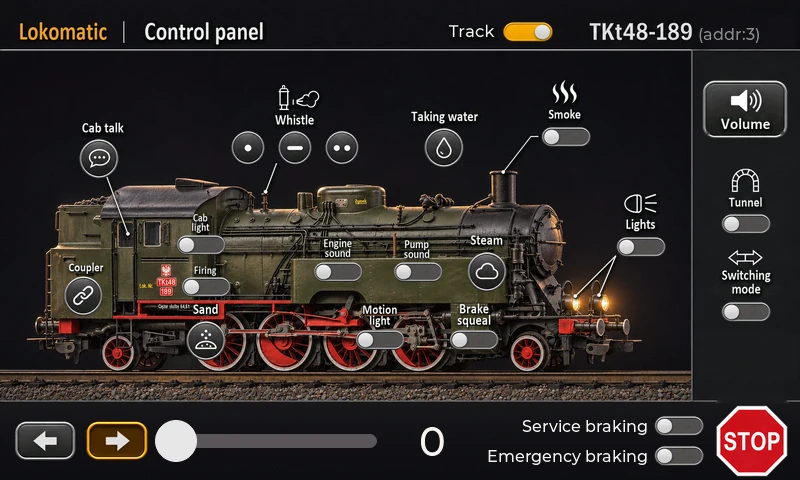
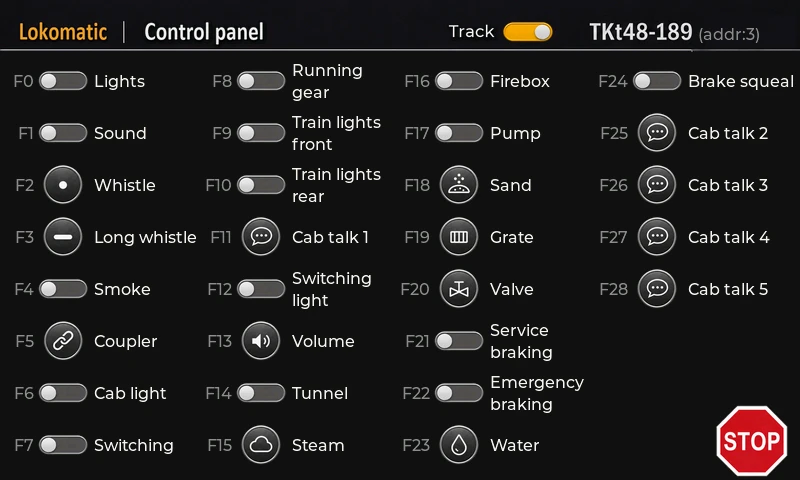
Tested with Throttlematic Central on EX-CommandStation 5.6.6.